Versioning
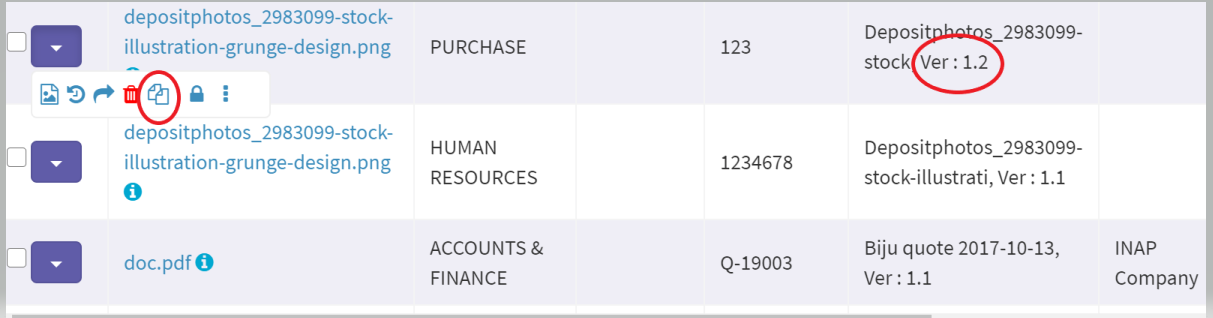
All new documents in FileEazy! will be staring with version 1.0. FileEazy! automatically creates a new version after you check out a document and check in that document. When you check-in a document its version will be automatically increased by 0.1. For e.g. when you check out and check in a document whose version was 1.0, the new version after checking in will be 1.1.
You can still view the previous versions of a document by selecting the View Related Documents button  under the Action Button.
While checking in a document, you can update/modify the index fields of that document, including the Document Type of that document.
In FielEazy! the version number will be automatically increased under the following situations:
1. If the Document Type is changed while editing a document
2. If a new document is uploaded to replace the existing one while editing a document
3. When Checking In a document that was Checked Out earlier
Related Topics