Editing/Deleting Document Type
Editing/Deleting a Document Type
You can change the name, description or index fields of a Document Type in FIleEazy! Although the Index Field name can be changed it's data type can be changed only if there is no data existing under that Index Field. The same condition applies for deleting the Index Field as well.
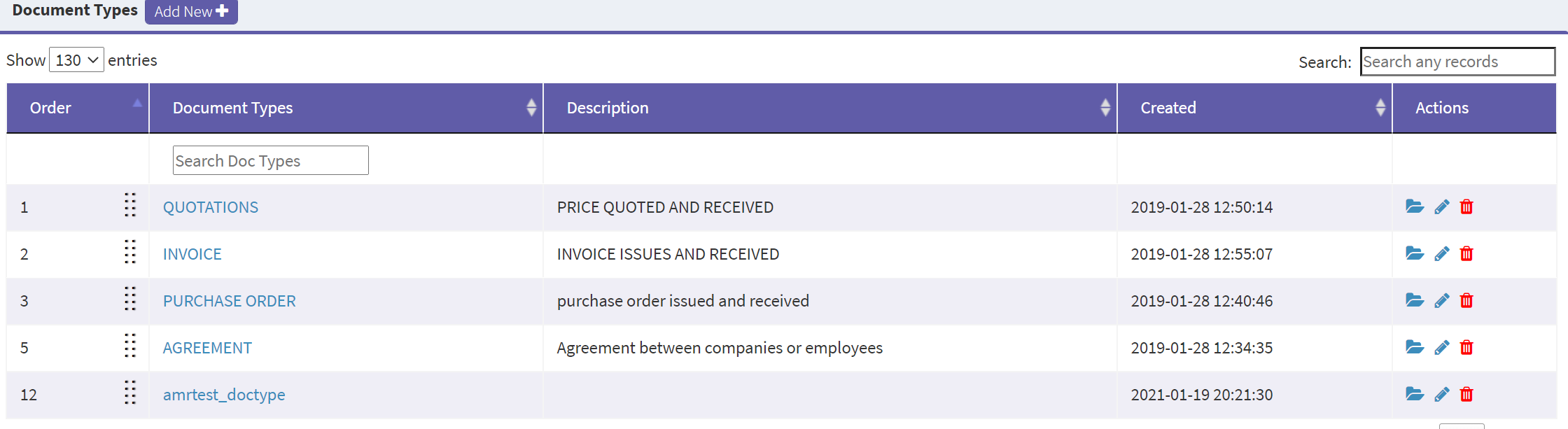
To edit a Document Type, click on the Document Type or the pen icon under the Actions menu of the entry you want to edit from the All Document Types list.
Deleting a Document Type
To delete a Document Type, click on the trash icon against the Document Type you want to delete. Note that deletion will not be permitted if there is data existing under that Document Type.
Related Topics